Digital Scanning Adoption

Whether you scan today or not — we'll get you there

Digital dentistry is revolutionizing patient care. Whatever your starting point, we'll meet you with training, hardware, and support.

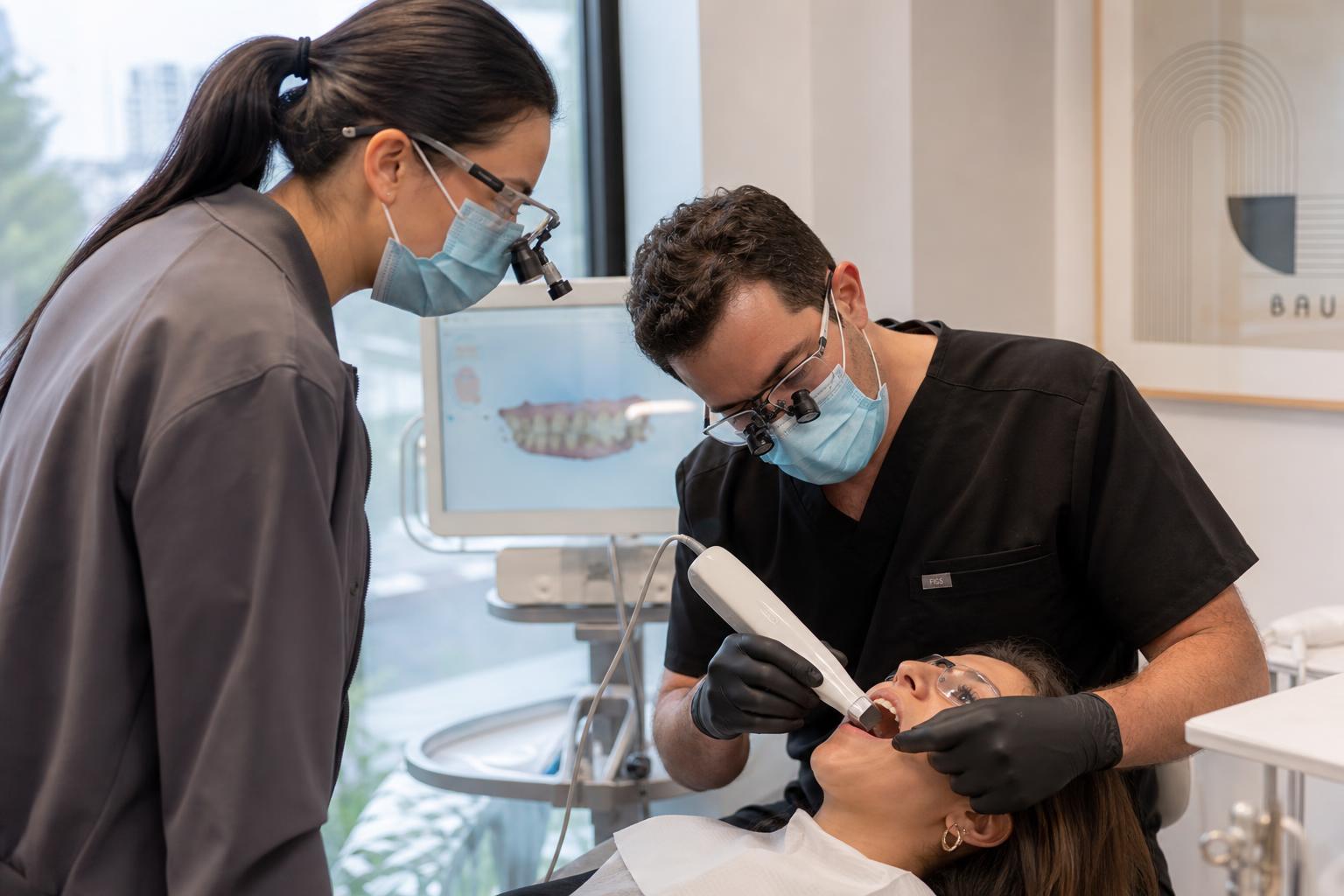
Chairside intraoral scanning training session

Already Scanning

Chairside digital scanning training

Even with the right hardware, scan quality depends on technique. We provide hands-on chairside training and case-by-case troubleshooting to help your team get clean, lab-ready scans the first time — every time.

Below are some of the most common challenges we help offices solve.

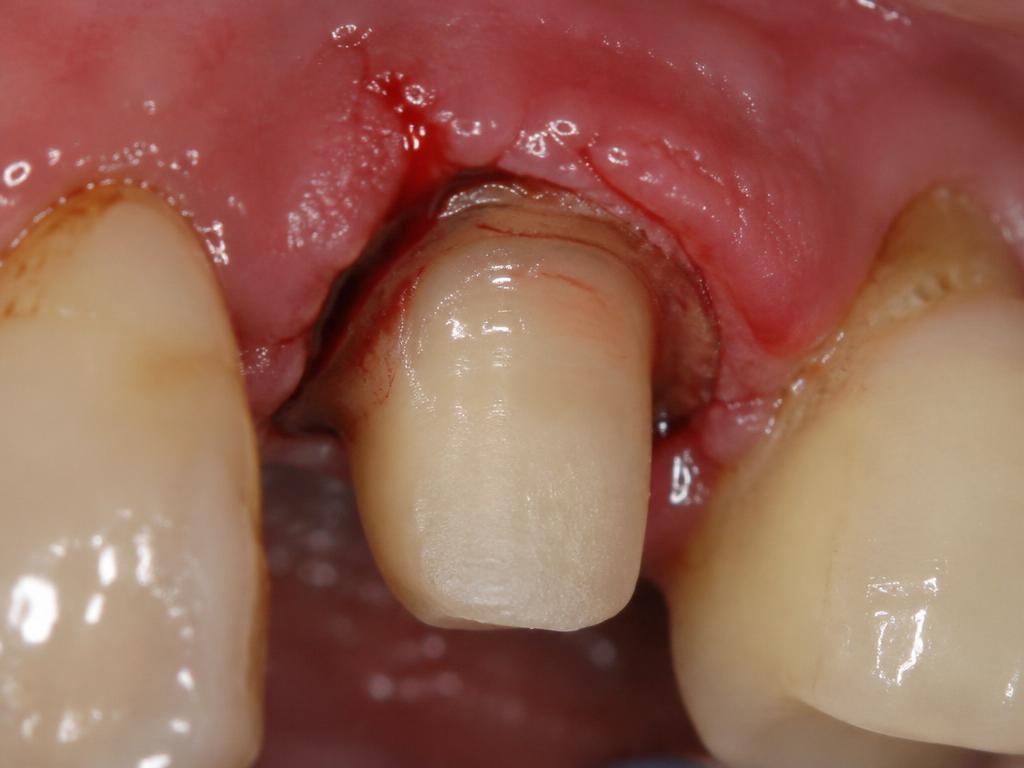
Crown — Unclear Margin

Crown — Unclear Margin

Problem

Prepped chamfer or shoulder was not detectable for the scanner due to distance and camera angulation. Inflammatory tissue with no cord being used to keep the margin visible.

Solution

Scan the occlusal first, then lingual and the buccal last, turning the camera at a 90° angle to capture the margin correctly. Pack cords or use retraction material to keep the margin clear — especially in a Sub-G margin situation. Maintain proper angles and distance from teeth during scanning.
Crown — Moisture

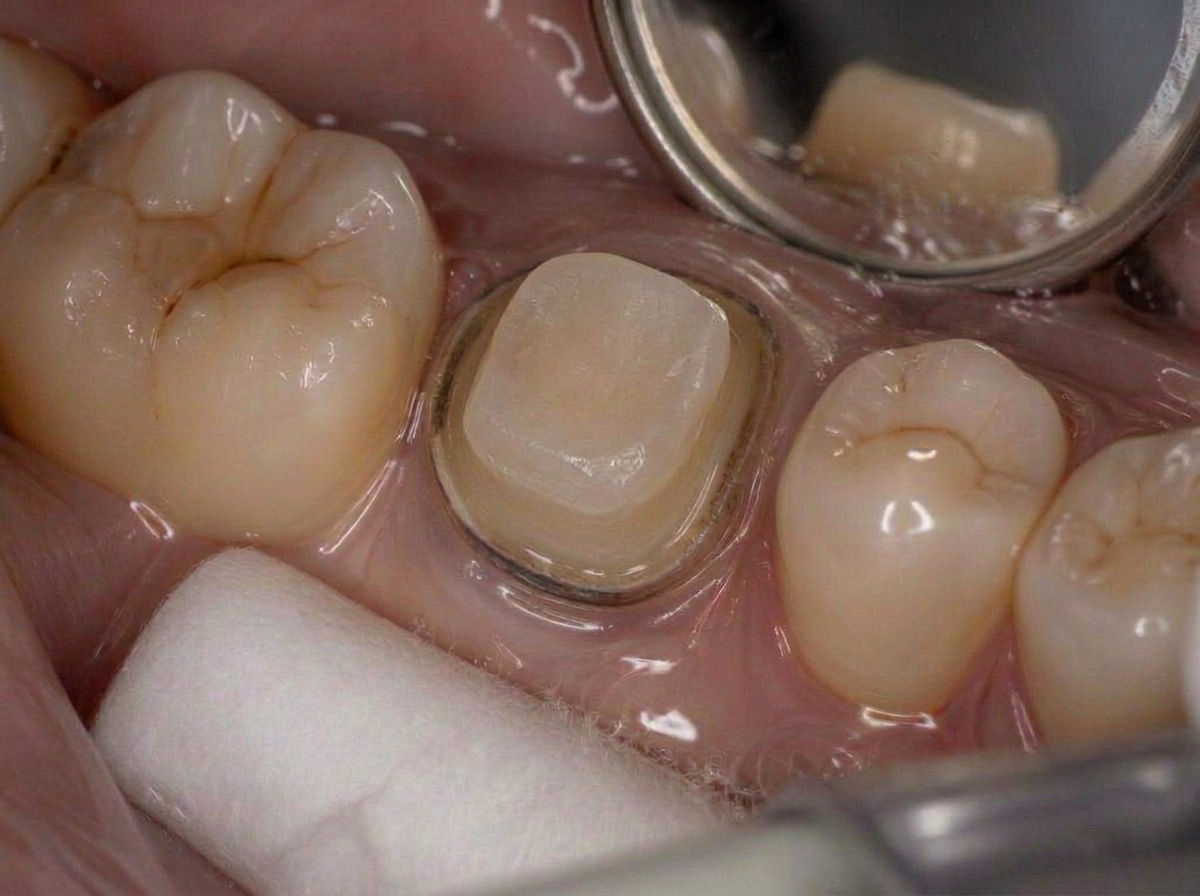
Crown — Moisture

Problem

Excessive moisture can impact the quality of the scan and lead to identification difficulties, causing delays.

Solution

Thoroughly dry the area using a paper napkin or a 2x2. Air can be used, but it may also cause tissue collapse around the margin.

Crown — Perfect Scan

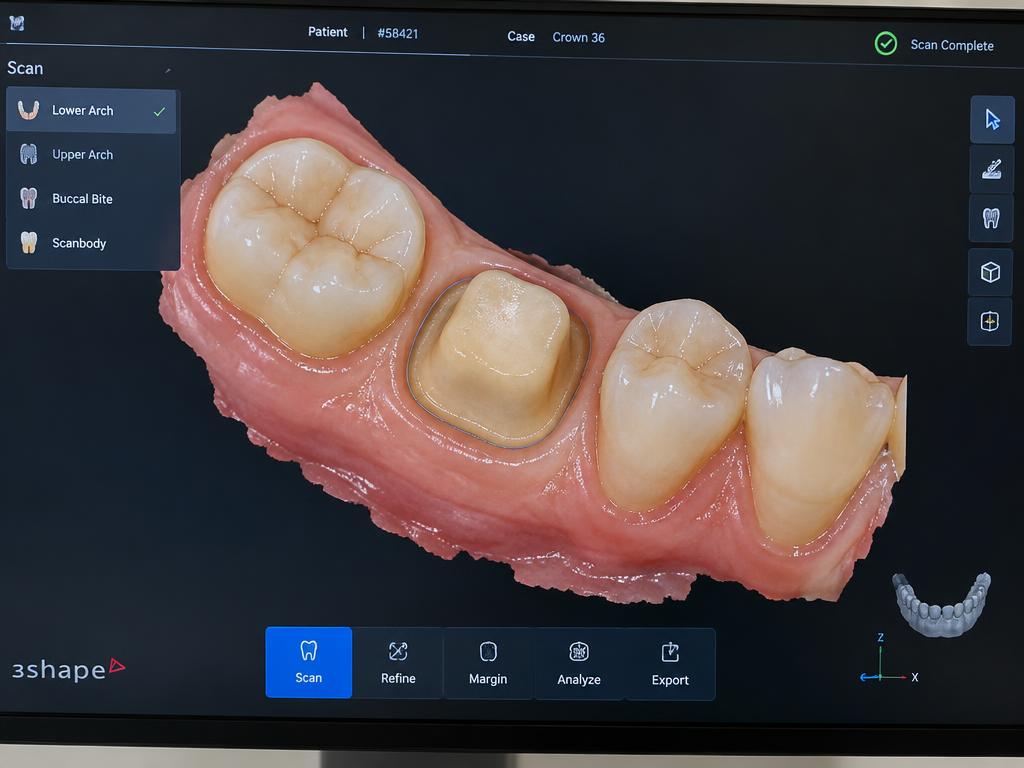
Crown — Perfect Scan

Problem

A sample of a perfect scan and a perfect prep.

Solution

Prepped area was kept dry and clean and the correct scanning sequence — occlusal, lingual, then buccal — was followed.

Implant Scanning

Implant Scanning

Problem

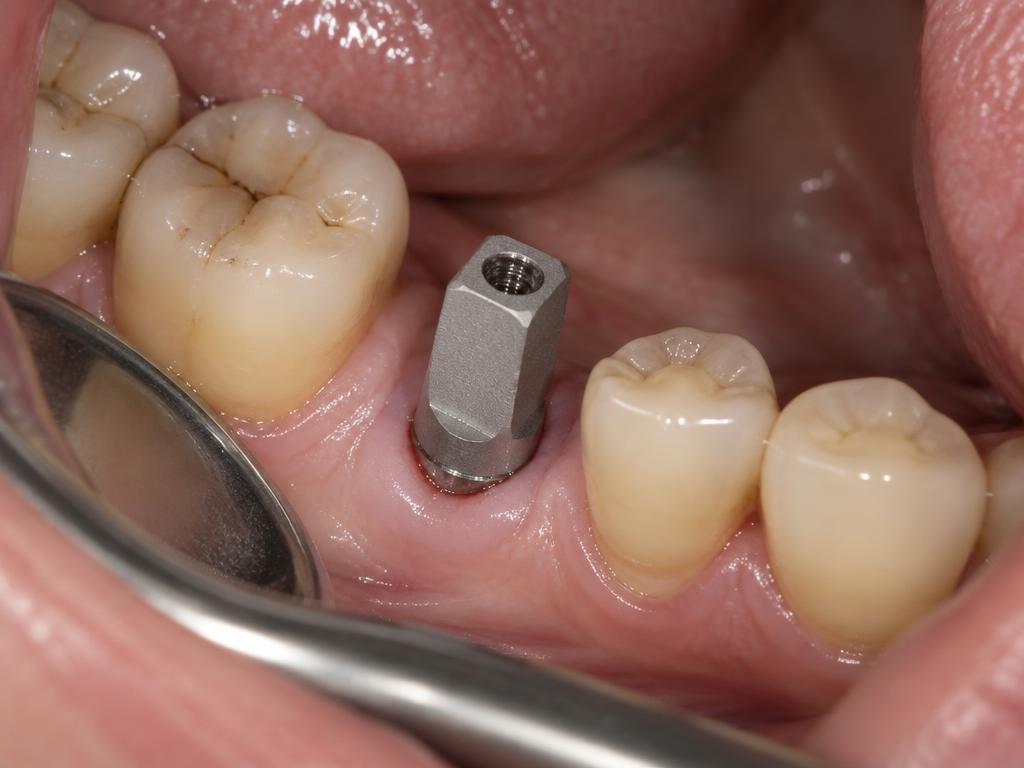
The most common mistake is failing to capture the emergence profile correctly. The scan body has not been removed before the bite scan, and moisture and scan prep are critical.

Solution

Make sure the area is dry and the emergence profile is scannable. After removing the healing cap and installing the scan body, take an x-ray BEFORE scanning to confirm the scan body is fully seated and facing the correct position. Remove the scan body before the bite scan to capture an accurate bite.

Bridge Scanning

Bridge Scanning

Problem

The Rx often lacks specific information for the lab about design and material. Tooth numbers can be wrong and unprotected margins can collapse, leading to insufficient scans.

Solution

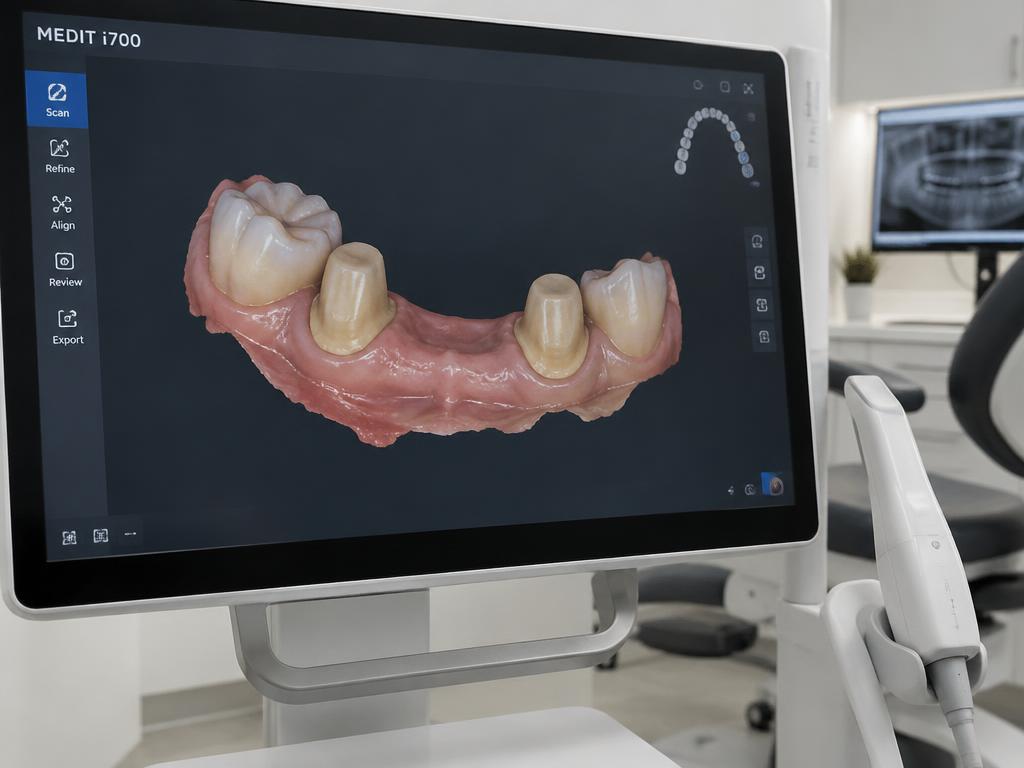
Regardless of product, it's all about correct prepping and capturing the margin — avoiding moisture and other interference, and capturing the contacts and exact occlusal clearance. No data should be missed. What the scanner can't see, won't be captured.

New to Scanning

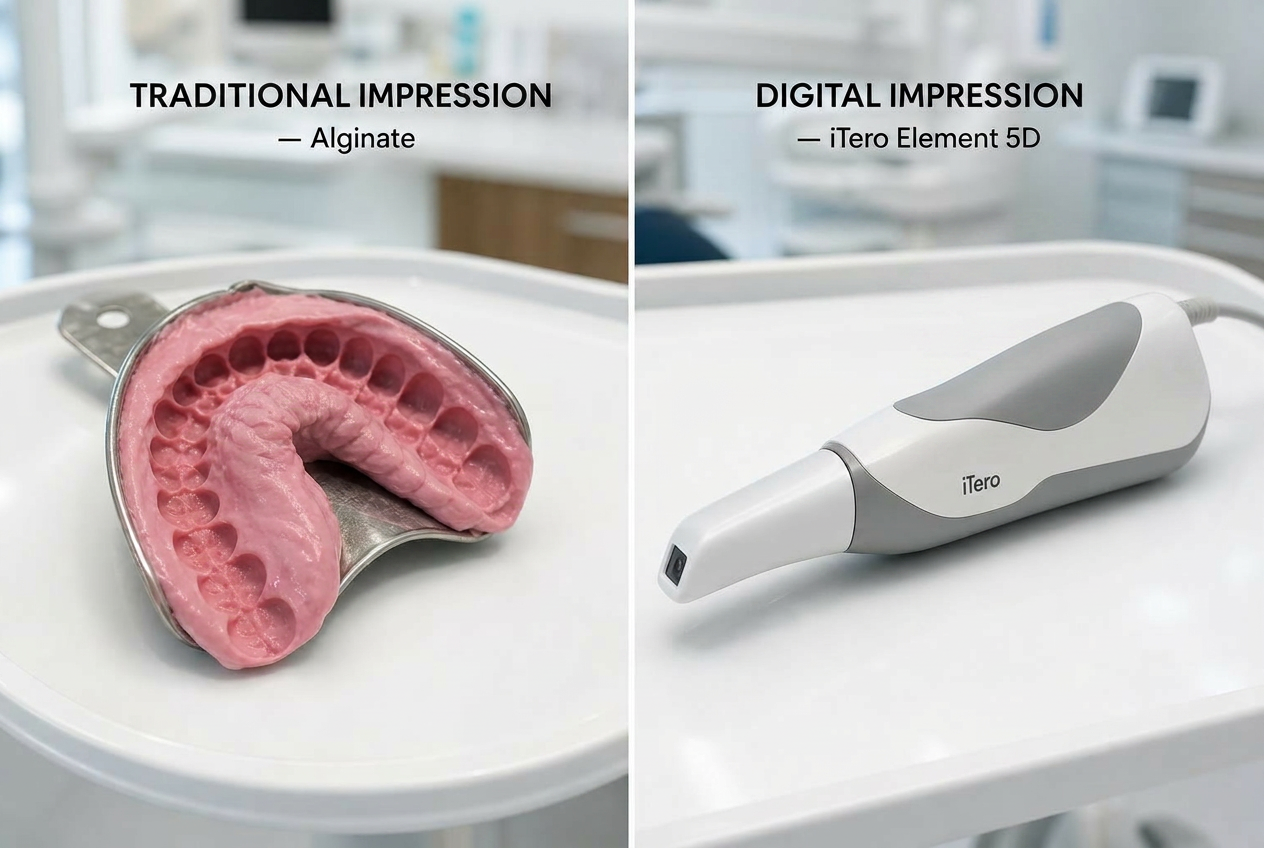
Why digital beats traditional impressions

If your office hasn't adopted intraoral scanning yet, we'll help you select the right hardware, train your team, and integrate digital workflows from day one.

Talk to Our Team
Traditional alginate impression next to a modern intraoral 3D scanner

Accuracy

Digital scans capture more detail of the teeth and soft tissues, resulting in more accurate 3D models and bite registration — fewer redos and better restorations.

Comfort

Less invasive than traditional impressions and free of messy impression materials that can cause discomfort or gagging.

Speed

Images are available immediately for review and can be transmitted to the lab instantly for faster turnaround.

Communication

Digital files can be shared remotely, improving collaboration between dentists and dental technicians.

Education & Planning

Digital models can be visualized and manipulated, enhancing patient education and treatment planning.

Recordkeeping

Digital records are easy to store, retrieve, and reference for future treatment without the bulk of physical impressions.

Ready to go fully digital?

We'll help you select scanners, train your team, and start sending cases with confidence.

Get Started